


When you paste a link into WhatsApp, iMessage, Slack or LinkedIn, the app shows a little card with a title, a description and a picture. Here is how to choose what that card says for your Claude artifact.
Can you change the link preview of a Claude artifact?
Claude's sharing settings choose who can open an artifact. They say nothing about how its link looks when you paste it into a chat.
- The Share menu has no field for the title or description people see in the preview.
- It has no way to pick the image or thumbnail that shows with the link.
- There is no control over the OG metadata, the Open Graph tags that apps read to build the preview.
To decide what your link looks like in WhatsApp, iMessage or Slack, the page needs a host that lets you set it.
A link preview you control
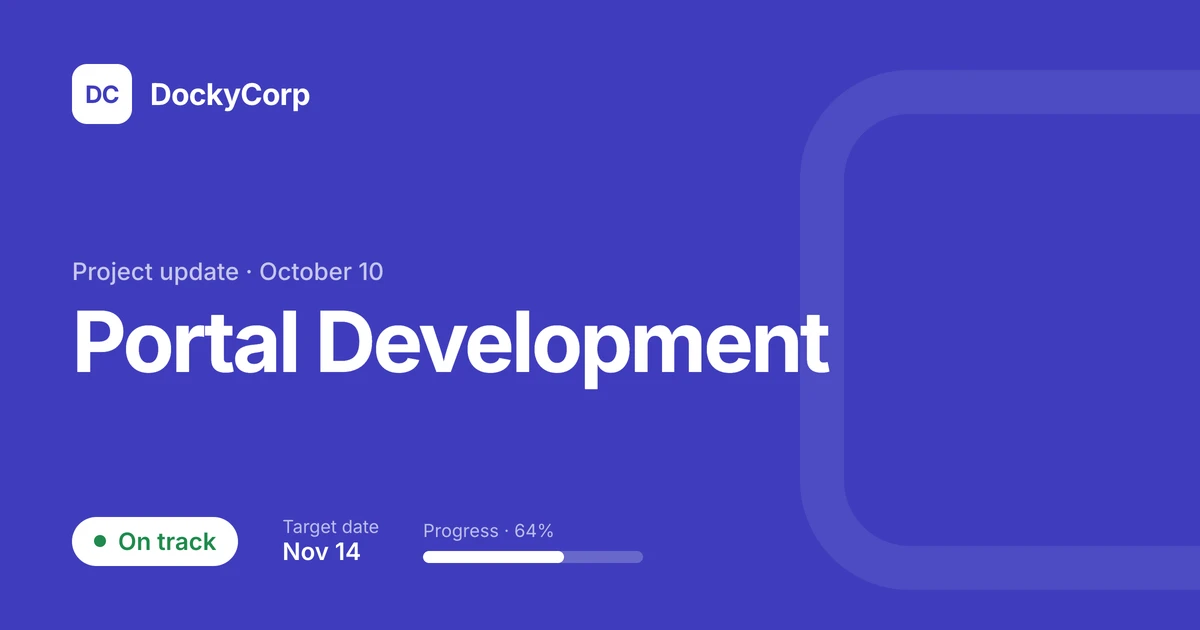
Every published page gets a link preview from its name and a picture of the page. On Pro you set your own title, description and image, and DocStash writes the OG metadata for you.
Already have the HTML?
- Drop the file below. Drag it anywhere on this page, or choose it. It becomes a webpage with its own link, private until you publish it.htmlmdpdf
- Share it. Click Publish for a public link, or share it with specific people.
Let Claude stash it, then set its preview
- Ask Claude to stash it. Say "stash this to DocStash". The page saves to DocStash and stays private.
- Click Publish. The link gets a preview straight away, with the page's name and a picture of the page.
- Make the preview yours. Change the title, the description and the image, check how it looks in each app, and save. Share the link and the new card shows.
FAQ
How do I change the thumbnail of my Claude artifact link?
Publish it on DocStash and pick the image for its link preview. Use a picture of the page or upload your own.
How do I change the OG metadata of a Claude artifact?
OG metadata, short for Open Graph tags, is the hidden lines in a page that tell apps which title, description and image to show in a link preview. Claude sets them for every artifact and you can't change them. Publish the artifact on DocStash and set the title, description and image, and DocStash writes the tags for you.
Why does the old preview still show after I change it?
Apps keep a copy of a preview for a while. DocStash gives each saved version of the preview its own link, so sharing the new link shows the new card.
Will the link preview show in WhatsApp, iMessage and Slack?
Yes. Those apps, and LinkedIn, X, Facebook, Telegram and Discord, read the same tags and show the card.
Make your Claude artifact look good in every chat
Connect Claude to DocStash and choose exactly what your link preview shows.
Get started